
Queue management for every counter
Calm queues. Faster counters.
A kiosk, your customers' phones, a TV that speaks and a console for every counter, running on one live queue. One line at a teller or a whole journey through a hospital.
- Banks
- SACCOs
- Government offices
- Service centres
- Hospitals
- Clinics
Kiosk, QR code, reception desk or phone
Live position and an SMS when your turn is near
On screen and by voice, to the right counter
Who it is for
Built for every kind of counter.
Choose the flow that fits once, in setup. A starter preset adds the services, desks and counters, and everything stays editable.
Banks, SACCOs, offices and service centres
The customer picks a service, takes a number and is called to the next free counter. Group counters into desks like Tellers, Loans or Member Services.
- Each counter serves the services you choose
- Priority, hold, recall and no-show
- Live queue length and wait on the TV
Hospitals and clinics
One ticket follows the visit. Staff transfer the patient to the next department with one tap, so no second queue and no lost paperwork.
- Emergency and VIP tickets go first
- Optional steps, like payments or lab
- Rooms and counters for each department
-
 Ticket D027
Now callingD027Teller 2
Ticket D027
Now callingD027Teller 2Banks
Tellers, customer service and loans desks
-
 Ticket L014
Now callingL014Loans desk
Ticket L014
Now callingL014Loans deskSACCOs and microfinance
Cash desk, loans and member services
-
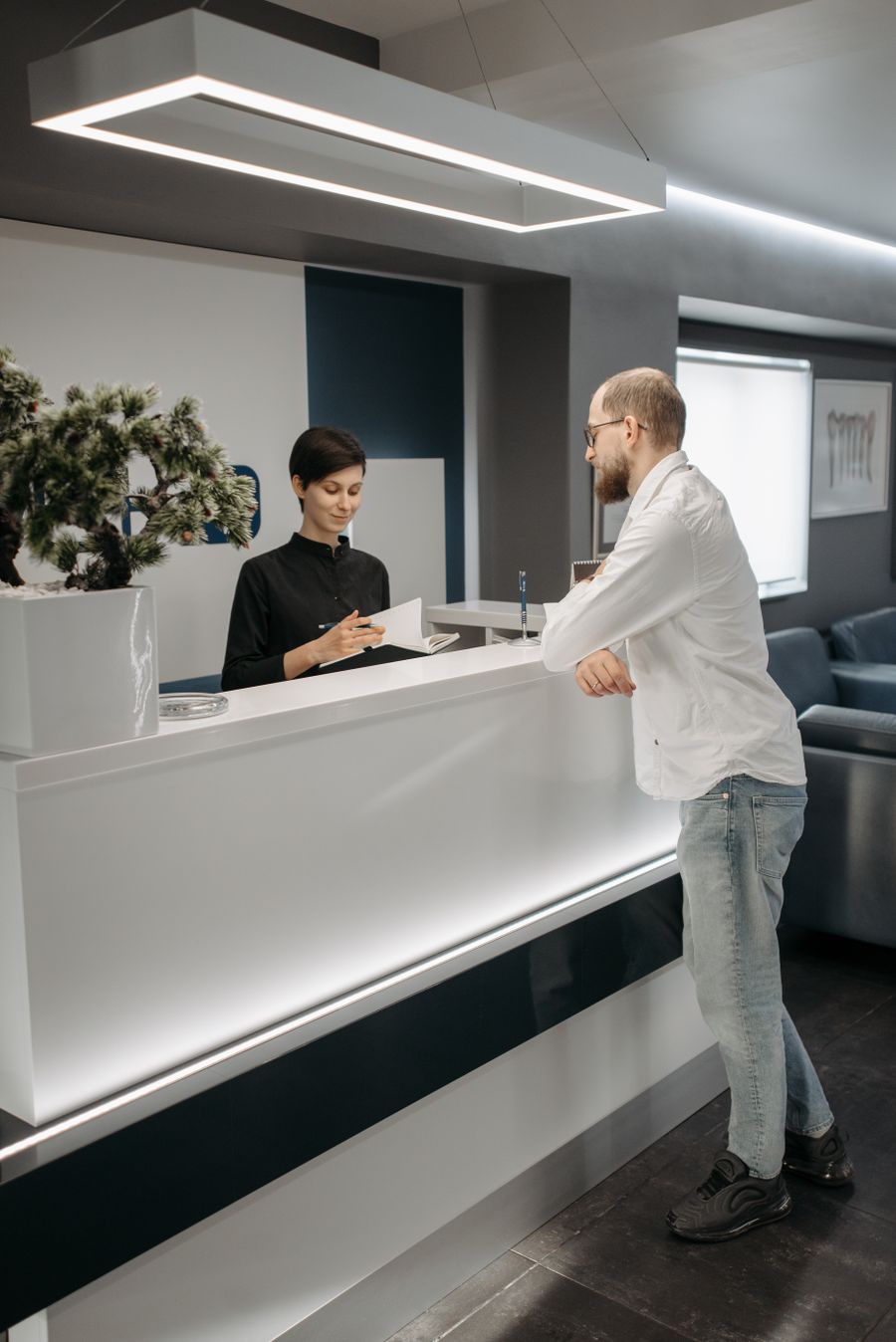 Ticket E114
Now callingE114Counter 4
Ticket E114
Now callingE114Counter 4Government and county offices
Licences, permits and registrations
-
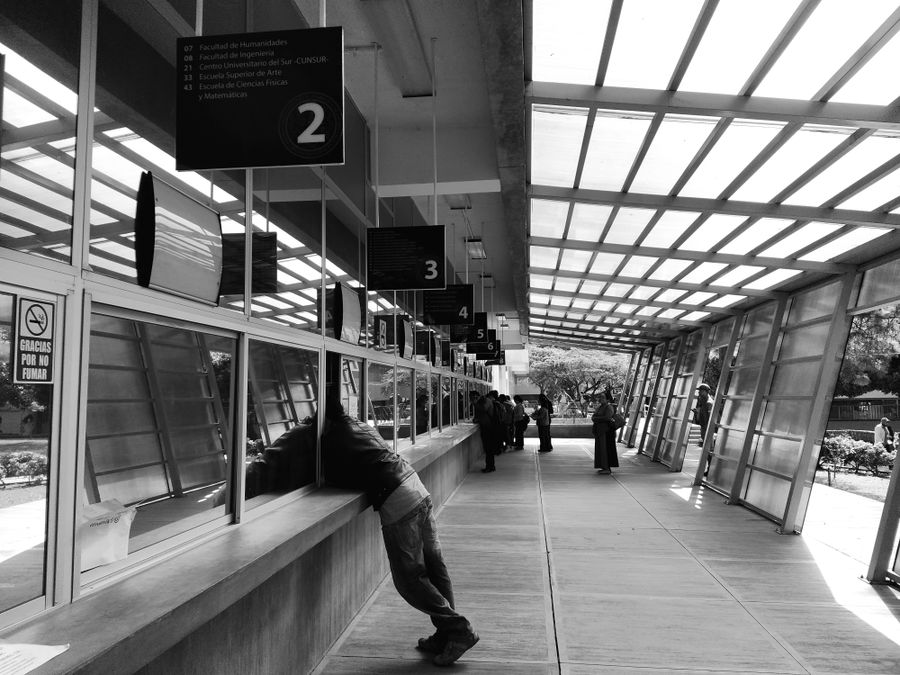 Ticket S052
Now callingS052Window 2
Ticket S052
Now callingS052Window 2Service centres
Enquiries and applications, every window
-
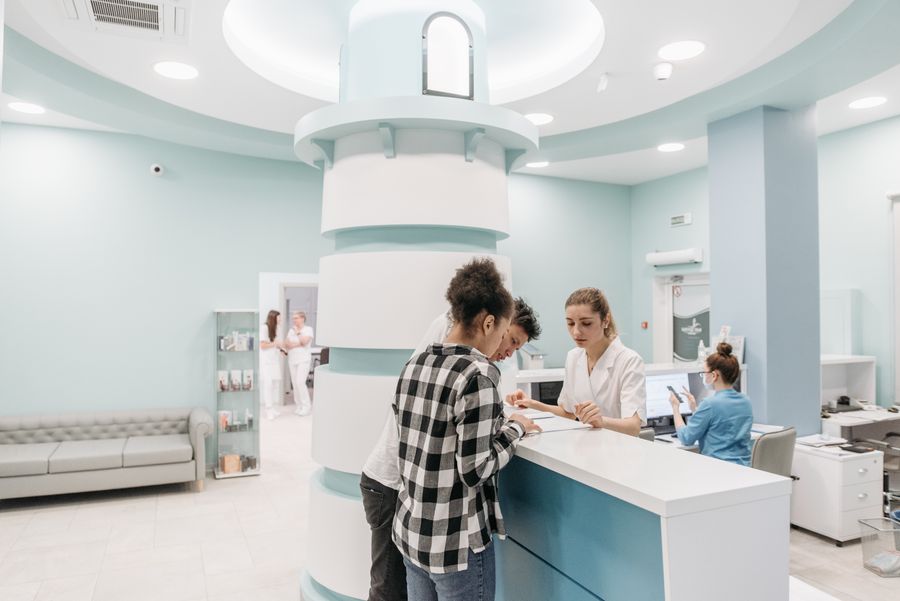 Ticket A016
Now callingA016Triage
Ticket A016
Now callingA016TriageHospitals
Reception, triage, consultation, lab, pharmacy
-
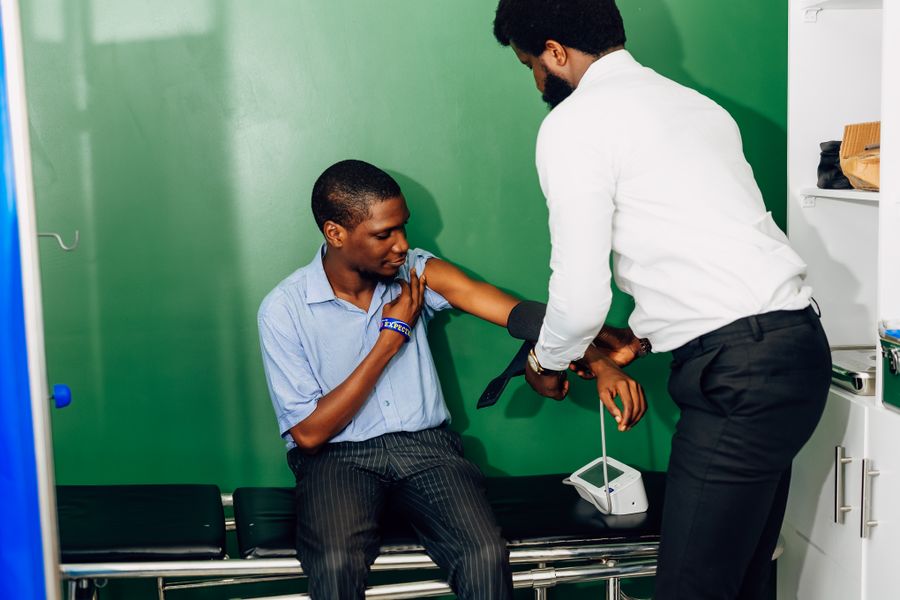 Ticket C009
Now callingC009Room 1
Ticket C009
Now callingC009Room 1Clinics
Registration, triage, doctor and pharmacy
How it works
For your customers, and for you.
A visit, step by step
Take a ticket
At the kiosk, by scanning a QR code on their phone, or at the reception desk. They see how many are ahead.
Wait where you like
A tracking link shows live position, and an SMS warns them when their turn is near.
Get called
The TV shows the number and counter and a voice calls it in English and Swahili. Recall or mark a no-show if they miss it.
Getting started
Create a free demo
Name your business, choose bank, SACCO, office, clinic or hospital and get a working queue in seconds.
Set it up for your floor
Adjust services, counters and staff, open the kiosk and the TV screen, and run a few test tickets.
Go live
We move you to a live business with real SMS. Your login stays the same and your setup comes with you.
Features
From the door to the manager's desk.
Everything a waiting area needs, in one system that runs on the devices you already have.
For staff
One screen to run the counter.
Call next, serve, hold, recall or mark a no-show. Priority groups go first, and a transfer sends the same ticket on to the next service. Works on a PC, tablet or phone.
For managers
See the whole floor, live.
Every counter and queue across all branches, then reports on where waiting happens by service, counter, hour and staff member.
Kiosk, QR and phone tickets
Self-service on a tablet, or scan a code to join from your own phone and follow your place live.
TV display and spoken calls
Now calling and next in line, with your own slides and notices. Calls in English and Swahili.
SMS alerts
Your place on arrival and a warning when your turn is near, so people can sit down or step out. Opt-out is handled.
Reception desk
Issue tickets for walk-ins without phones, with priority when it matters.
Journeys and transfers
Define the steps of a visit once. Staff move the ticket on with one tap.
Reports
Waiting and service times by service, counter, hour and staff member.
Feedback and campaigns
Ratings after each visit, and bulk SMS or WhatsApp campaigns to the people you serve.
Roles and audit log
Control who can do what, and see who did it.
Many branches
Services, counters and staff per branch, all watched from one place.
Live demo
Try it before you sign up.
A simulated clinic with a working kiosk, TV and counter console. Nothing you do sends a real SMS.
Does it work for a bank or SACCO, not only hospitals?
Yes. Choose the single-queue flow for banks, SACCOs and offices, or the multi-department journey for hospitals and clinics. You can change services, desks and counters later.
How much does it cost?
There are plans for one branch up to many, with SMS credits you top up as you go. See the plans and build your own quote on the pricing page.
What hardware do I need?
A browser on a PC, tablet or phone for each counter, any TV or monitor for the display, and a tablet or touch screen for the kiosk. Customers can also get a ticket on their own phone.
Does it call tickets out loud?
Yes. The TV display speaks each call in English and Swahili. Browsers only allow sound after a first click on the screen, so you tap once when you open it.
Can one ticket go through several services?
Yes. You define journeys, such as registration, triage, consultation, lab and pharmacy, and staff transfer the customer with one tap.
What does the demo include?
A full business with sample services and counters. You can also try the public demo with no sign-up. Nothing you do in a demo sends a real SMS.
Can I keep my demo setup when I go live?
Yes. Your login stays the same and your services, counters and staff come across.
Pricing
Plans from one branch to many.
Pay for the branches you run, and top up SMS credits as you go.
Start free
A demo business with sample services and counters, and no payment to start.
Grow by branch
Add branches, counters and staff as you need them, with one manager board across all of them.
Your own quote
Choose your plan and extras on the pricing page and see the total before you commit.
See it with your own queue.
Start a free 14-day demo, or talk to us about moving your business across.